
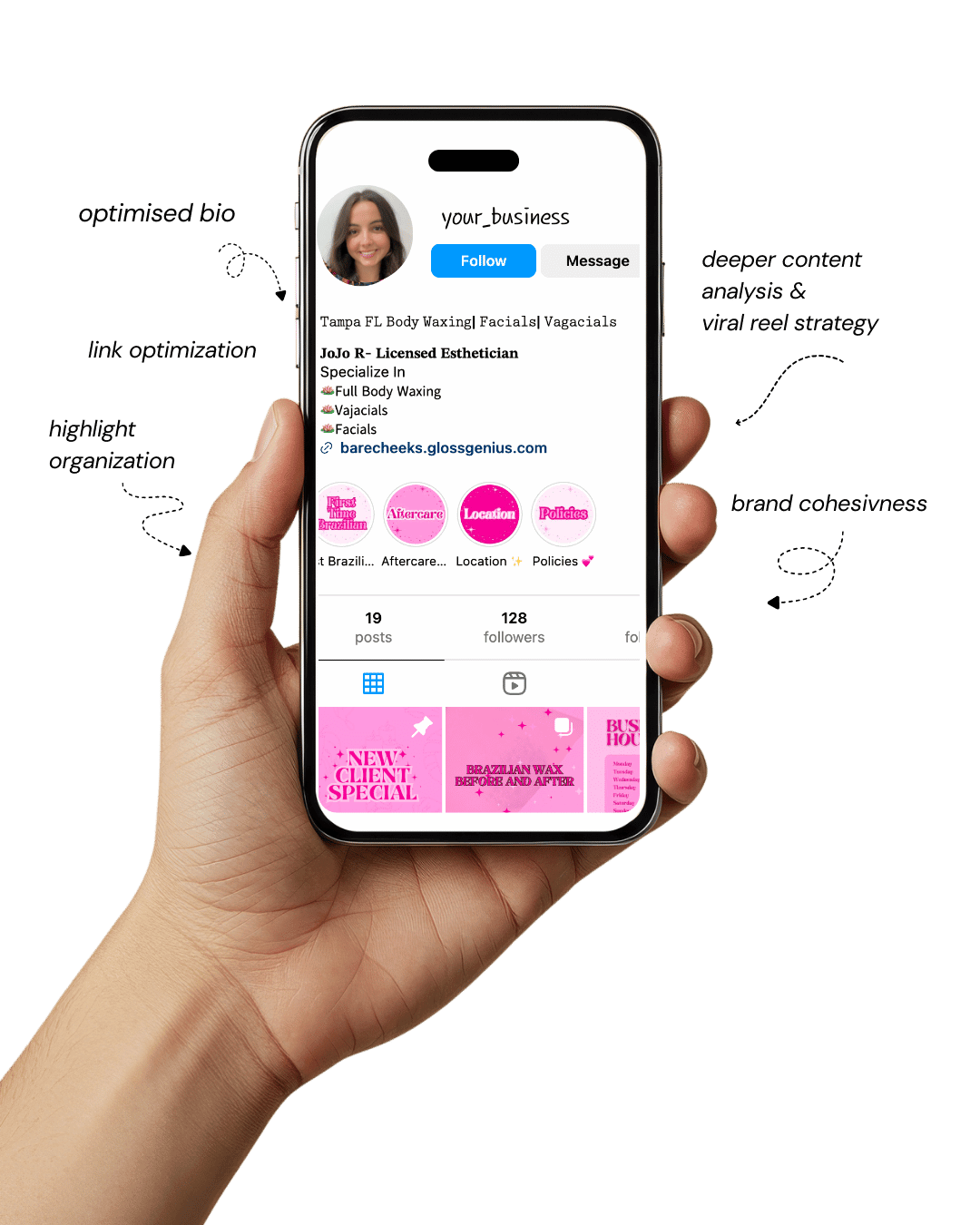
Your Instagram isn’t the problem.
The strategy is.
Get a free, honest audit of your Instagram profile — tailored for beauty, wellness & creative brands.
You’ll receive: profile fixes · content gaps · bio upgrades · content ideas.
I personally review your profile and send a clear, actionable breakdown — no AI, no templates.
If you’ve ever searched for Canva templates ideas that actually make money on Etsy, you’re not alone.
The digital marketplace is booming, and Canva templates have become one of the hottest-selling digital downloads because they blend creativity with convenience.
From social media kits to business planners, everyone’s looking for professionally designed, editable templates that save time and elevate their branding.
The beauty of Canva is that it’s simple enough for beginners yet powerful enough for professionals.
You don’t need advanced design skills — just a smart understanding of what people want and how to make it visually appealing.
Whether you’re targeting influencers, small business owners, coaches, or students, there’s a Canva template niche for everyone.
This article reveals 20 Canva templates ideas that sell instantly on Etsy, along with insider tips on how to create them so they look polished, valuable, and market-ready.
You’ll learn what makes each type profitable, what technical details sellers often overlook, and how to optimize your listings for better visibility.
So grab your coffee and get ready — by the end of this guide, you’ll have a complete roadmap for launching profitable Canva templates that buyers can’t resist.
Why Canva Templates Are the Secret to Etsy Success

Selling Canva templates isn’t just a side hustle anymore — it’s a full-fledged digital business opportunity.
These products bring immense value because they combine design, usability, and passive income potential.
Buyers get ready-to-use editable designs, and you, as a seller, get repeatable, scalable revenue with zero inventory.
What makes Canva templates so powerful is their versatility. You can design social media bundles, eBooks, planners, or pitch decks — all using the same intuitive Canva platform.
Plus, with Etsy’s built-in audience searching for “Canva templates for Instagram” or “business planner templates,” you’re tapping into a market that’s already primed to buy.
High-quality Canva templates also position you as a brand authority. When your visuals look polished, people trust your expertise.
Add the right SEO keywords, a strong description, and Pinterest-friendly preview images — and you’ve got a listing that ranks and converts.
Canva templates offer creativity, flexibility, and financial freedom — all from your laptop. And now without any further ado, let’s explore some Canva templates ideas that consistently sell like hotcakes on Etsy.
1. Instagram Post Templates
Among the most popular Canva templates ideas on Etsy are Instagram post templates. Businesses, influencers, and social media managers constantly look for ways to keep their feeds fresh without designing from scratch.
By offering ready-to-use Canva post templates, you save them hours of work while providing a cohesive brand look.
A good set should include 30 to 60 editable square posts sized at 1080×1080 pixels, with layouts for quotes, product promotions, carousels, and testimonials.
Consistent font pairings and a complementary color palette are key to a professional look. It’s also wise to include guides for replacing photos, updating text, and exporting content directly from Canva to Instagram.
Templates that are niche-focused — like those for real estate agents, beauty brands, or coaches — tend to perform even better because they solve a specific problem for a defined audience.
2. Instagram Story Templates
Another strong performer in Canva templates ideas is Instagram story templates.
Stories drive high engagement, and users appreciate templates that help them stay active without spending too much time designing each post.
You can design story templates in 1080×1920 pixels and include layouts for announcements, product launches, countdowns, quotes, and promotions.
Story packs that feature layered photo placeholders and editable text boxes make it easy for users to add personal branding.
Consistency in spacing, alignment, and tone ensures the final product looks professional. Including subtle gradients, clean icons, and color-coordinated elements helps maintain a modern aesthetic that sells well.
Many successful Etsy sellers also include editable highlights and matching story covers to create a unified brand kit experience.
3. Pinterest Pin Templates
Pinterest remains a powerful platform for driving traffic, making Pinterest pin templates one of the most reliable Canva templates ideas.
These templates, typically sized at 1000×1500 pixels, help bloggers, coaches, and small businesses design visually appealing pins that grab attention quickly.
When designing, focus on creating a clear title area, image placeholder, and space for a URL or call to action.
Use legible, high-contrast typography and ensure text is readable even on small screens. Offering pins in multiple styles — minimalist, bold, feminine, or neutral — widens your potential audience.
Adding export instructions and a quick note on how to customize alt text and file names can increase the perceived professionalism of your listing.
Templates optimized for “Idea Pins” or multi-image sequences can further enhance value and help your designs stand out.
4. E-book Templates
E-books are among the top-selling digital products on Etsy, and Canva templates for e-books appeal to a wide audience of content creators, coaches, and educators.
A good e-book template should include 20 to 30 pages with consistent typography, space for chapter titles, pull quotes, and photo grids.
Adding editable headers, footers, and page numbering ensures a polished finish. Templates should include clear section breaks, and buyers often appreciate having both A4 and US Letter versions to accommodate different printing standards.
Including notes about how to maintain alignment when adding images or exporting to PDF can make your product more user-friendly.
E-book templates that feature well-balanced layouts, clean white space, and easily customizable brand colors tend to receive better reviews and repeat purchases.
5. Business Planner Templates
Planner templates are evergreen products that attract entrepreneurs, freelancers, and small business owners who crave structure and organization.
A well-designed planner set might include goal trackers, task lists, content calendars, and budget sheets.
Canva templates ideas for planners should include editable text boxes, uniform margins, and logical grouping of pages.
Providing both A4 and US Letter sizes ensures compatibility with various print and digital formats.
Many sellers also include a digital version with clickable hyperlinks, allowing users to navigate between sections when used on tablets.
Designing with minimal color blocking and using Canva’s built-in grid system helps maintain consistency across pages.
A clear typographic hierarchy — bold headers for categories, lighter fonts for notes — makes the planner intuitive and easy to use.
6. Media Kit Templates
Media kits are vital tools for influencers, bloggers, and content creators who pitch collaborations to brands. Canva templates for media kits sell consistently because they combine functionality with visual appeal.
A professional template includes sections for a personal bio, audience demographics, engagement statistics, testimonials, and collaboration packages.
Using structured layouts with space for visuals like profile photos, logos, and sample work helps elevate credibility.
You can include editable chart elements created within Canva so users can visually present analytics.
Templates that offer multiple versions — such as a single-page overview and a multi-page detailed media kit — provide flexibility and increase perceived value.
Maintaining a modern, minimalist style ensures the kit feels credible across industries.
7. Resume & Cover Letter Templates
Professional resume and cover letter templates are one of the most dependable Canva templates ideas because job seekers constantly need updated, stylish resumes.
A high-performing resume template should feature clear sections for contact information, work experience, education, and skills, using fonts that are easy to read by both humans and applicant tracking systems (ATS).
Using well-defined margins, proper spacing, and subtle color accents ensures a modern yet professional design.
Bundling a resume with a matching cover letter and references page adds significant value and encourages buyers to pay more.
Offering the template in both A4 and US Letter formats expands your customer base globally.
Including detailed guidance on exporting to PDF without losing alignment or font consistency can help users achieve perfect final results.
8. Brand Style Guide Templates
Brand style guides are essential for businesses establishing their identity. Canva templates for brand guides sell well because they allow small brands to document their logo usage, color palette, fonts, and imagery in a professional format.
A high-quality style guide should include pages for brand mission, visual identity, logo variations, color codes, and typography.
Adding editable color swatches with HEX codes and placeholders for logos or mood boards helps make the design functional and appealing.
Consistency in layout spacing and alignment enhances readability. Templates that balance clean white backgrounds with pops of brand color often feel high-end and attract design-conscious entrepreneurs.
Including instructions for adding fonts from Canva’s library ensures a smoother editing experience.
9. Coaching Workbook Templates
Workbooks are in high demand among coaches and educators because they transform lessons into interactive learning experiences.
Canva templates for coaching workbooks can include reflection pages, exercises, journaling prompts, and goal-setting sheets.
Well-structured margins and aligned spacing make the pages print-ready while maintaining a clean look.
Using a mix of text boxes, bullet points, and icon placeholders helps vary the visual rhythm and keeps readers engaged.
Adding consistent page headers with the workbook title or logo creates a cohesive brand presence.
Designs that incorporate motivational quotes, clean divider lines, and subtle accent colors work especially well.
Including blank note pages or extra sections for customization makes the workbook more versatile for different coaching programs.
10. Wedding Invitation Templates
Weddings are timeless, and Canva templates for invitations remain one of the most profitable digital downloads.
Couples love editable templates because they can easily customize details without hiring a designer. Create cohesive sets that include invitations, RSVP cards, save-the-date cards, and thank-you notes.
Standard sizes like 5×7 inches for invitations and 4×6 for RSVP cards are expected.
Use balanced typography, elegant color palettes, and optional floral or geometric elements to appeal to diverse tastes.
Keeping text layers editable ensures that couples can change names and dates effortlessly. Including bleed margins for printing helps avoid design cut-offs.
Offering matching envelope liners or signage templates can make your listing more appealing and complete.
11. Thank You Card Templates
Thank you cards may seem simple, but they’re among the most consistent sellers in Canva templates ideas because small businesses use them in packaging and digital communication.
Templates that include phrases like “Thank you for your order” or “Your support means the world” resonate deeply with buyers.
Offer sets that include multiple variations — minimal, floral, modern, and neutral — so businesses can match their branding.
Designing both printable (5×7 inches) and digital square formats increases usability. Adding a placeholder for a logo or social media handle gives customers more customization flexibility.
Clean alignment, clear typography, and balanced spacing are what make these cards look professional rather than generic.
12. Pricing Guide Templates
Pricing guides are essential for freelancers, photographers, and creative agencies. Canva templates designed for pricing presentations help professionals share their rates elegantly.
A solid pricing guide template includes space for an introduction, packages, add-ons, and testimonials.
Using consistent headings, subtle dividers, and aligned text makes information digestible. Offering both light and dark versions caters to different brand aesthetics.
Include optional pages like “About Me” or “Booking Process” to make the guide feel like a complete brand presentation.
Templates that maintain a professional tone and modern visuals tend to receive higher engagement because they make sellers look polished and trustworthy.
13. Email Newsletter Templates
Email newsletters remain a staple for online businesses, and Canva templates that simplify the design process are in steady demand.
Templates should include sections for headlines, product features, testimonials, and calls to action.
Since newsletters are often screenshotted and shared, it’s important to design for both desktop and mobile proportions.
Maintaining clean, responsive layouts with appropriate padding ensures readability across devices.
Providing visual consistency between email templates and social media post designs can help users maintain cohesive branding.
Buyers appreciate instructions on how to export as PNG or JPG files for uploading to their email marketing platforms like Mailchimp or Flodesk.
14. Real Estate Listing Templates
Real estate professionals rely on strong visuals to attract buyers, making this one of the most consistent Canva templates ideas on Etsy.
Create templates for property listings, open house flyers, and social media promotions.
Each design should include placeholders for images, property descriptions, and agent contact information. Using contrasting colors improves readability, especially when overlaid on photos.
Offering templates in both print-ready and digital versions expands your reach to agents using different marketing channels.
Designs that combine elegance with practical functionality often perform best, especially when optimized for quick edits that allow agents to post listings fast.
15. Course Slide Deck Templates
With the rise of online learning, Canva templates for course slide decks are in high demand. Educators and coaches use them to deliver polished presentations without hiring designers.
A good slide deck includes title slides, content slides, quote pages, and summary slides. Maintaining consistent typography, color balance, and spacing across all slides ensures a professional look.
Templates that include editable charts, icons, and image placeholders help presenters visualize data easily.
Offering a neutral design that users can customize for their niche makes the product versatile. Providing export instructions for PDF and PowerPoint formats improves usability and customer satisfaction.
16. Monthly Content Calendar Templates
Content calendars are an invaluable planning tool for social media managers and entrepreneurs.
Canva templates for monthly content calendars should feature editable date grids, sections for content ideas, hashtags, and metrics tracking.
Providing both dated and undated versions allows customers to reuse the same calendar each month. Including subtle color coding or iconography makes organization intuitive.
When designing, ensure that margins are consistent for clean printing and digital use. Templates that integrate goal-tracking elements or campaign planning sections add extra value.
Many successful Etsy sellers combine these calendars with matching social media post templates to create a bundled system that sells year-round.
17. Vision Board Templates
Vision boards remain one of the most emotionally engaging Canva templates ideas. Users love creating digital or printable boards for personal development and goal visualization.
A great vision board template includes collage spaces for images, motivational quotes, and short text goals.
Balanced spacing and subtle borders help create structure without limiting creativity. Offering both desktop and mobile versions ensures versatility.
Templates that include aesthetic themes — minimal, boho, or modern — appeal to different personalities.
When designed thoughtfully, vision boards become not just decorative but also transformative tools for users who want to visualize their success.
18. Podcast Media Kit Templates
Podcasters use media kits to present show information and attract sponsors. Canva templates for this niche should include sections for listener statistics, demographics, sponsorship packages, and show highlights.
Including image placeholders for logos and episode covers enhances professionalism. A strong hierarchy of typography helps present data clearly.
Offering versions in both portrait and landscape orientations allows users to choose the format that suits their brand presentation style.
Templates that maintain a clean, modern aesthetic with muted colors tend to attract podcasters who want to align their visuals with their show’s tone and brand.
19. Lead Magnet Templates
Lead magnets such as checklists, cheat sheets, and quick guides are a staple in online marketing.
Canva templates for lead magnets sell quickly because businesses use them to capture emails and grow their lists.
A well-designed lead magnet template should balance clarity with appeal — using concise text areas, headers, and engaging visuals.
Conversion-focused design principles, such as clear call-to-action sections and logical flow, enhance usability. Keeping file sizes optimized for download ensures faster load times.
Templates that include editable icons, consistent colors, and space for brand logos offer greater customization and perceived value.
20. Thank You Page Templates
Thank you or confirmation page templates are often overlooked but can be surprisingly profitable. These templates help sellers and service providers maintain consistent branding even after a transaction.
A strong thank you page design includes acknowledgment text, follow-up instructions, and optional promotional sections for upsells or social media links.
Clean typography and generous spacing keep it professional. Including mobile-optimized layouts ensures accessibility.
Templates that feature matching aesthetics to other brand materials — such as Instagram kits or pricing guides — perform better because they help users maintain a unified brand experience across touchpoints.
Further Improve Your Canva Template Sales

1. Optimize for Etsy SEO
Use the main keyword Canva templates ideas naturally throughout your listings. Include relevant sub-keywords such as “editable planner,” “brand kit,” or “Pinterest template” in your title, tags, and descriptions.
Etsy’s algorithm favors listings that balance keyword density with readability, so make your text conversational yet search-friendly.
2. Create Eye-Catching Thumbnails
Your thumbnail is your first impression. Use high-quality mockups showing how the templates look in real use.
Avoid clutter and focus on showcasing variety. Adding subtle text overlays like “Editable in Canva” or “Instant Access” can help buyers quickly understand the product’s value.
3. Include Detailed Instructions
Buyers appreciate clarity. Include a short instruction file or PDF guide that explains how to open, edit, and save templates in Canva.
For complex products, a short video tutorial link adds even more value and reduces refund requests.
4. Offer Commercial Use Licenses
Many buyers want to use your templates for clients or resell them as part of their services.
Offering optional commercial-use or extended licenses can attract professional customers and increase your average order value.
5. Update Regularly
Trends evolve quickly. Refresh your templates every few months to reflect current design styles, font trends, and social media format updates.
Consistent improvement keeps your shop relevant and builds long-term customer trust.
Final Words

Selling Canva templates on Etsy is more than just uploading designs — it’s about understanding your audience and delivering value through visuals.
The Canva templates ideas shared above are proven winners that not only attract consistent buyers but also allow you to express creativity while building a passive income stream.
Start small with one or two niches, refine your design process, and focus on presentation. Use SEO, mockups, and engaging descriptions to make your listings stand out.
Remember, people don’t just buy templates — they buy the solution to their problem: saving time and looking professional online.
So open your Canva dashboard, create your first product, and turn your creativity into income. The next best-selling Etsy listing could be yours.