
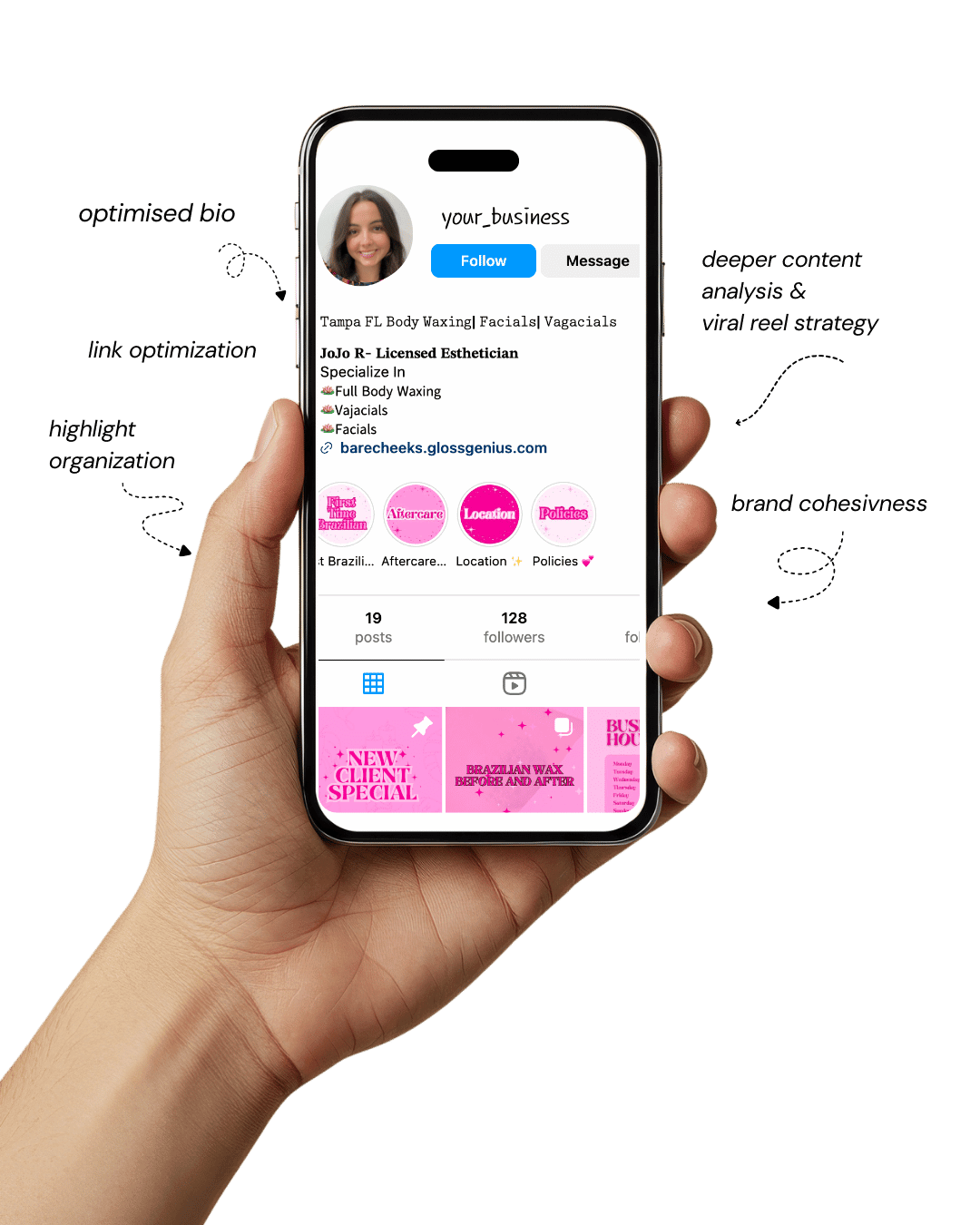
Your Instagram isn’t the problem.
The strategy is.
Get a free, honest audit of your Instagram profile — tailored for beauty, wellness & creative brands.
You’ll receive: profile fixes · content gaps · bio upgrades · content ideas.
I personally review your profile and send a clear, actionable breakdown — no AI, no templates.
Canva templates ideas have become an essential part of every social media manager’s workflow because they offer a fast, reliable, and visually consistent starting point for content creation.
In a space where timelines move fast and algorithms demand constant posting, having a library of ready-to-edit templates saves hours each week.
But beyond convenience, there’s a strategic layer many people don’t talk about — templates create predictable structure, branding alignment, and visual authority before a follower ever reads a caption.
Where most social media managers struggle isn’t creativity — it’s time. Designing from scratch every day leads to creative fatigue, inconsistent visuals, and uneven messaging.
Canva templates solve this by giving you a repeatable design system that strengthens your brand identity with every post.
When you choose the right Canva templates ideas, you get layouts optimized for readability, color psychology, and engagement patterns that work across different platforms.
This article breaks down ten strategic Canva templates ideas specifically crafted for social media managers who want to deliver polished, scroll-stopping content.
Each one offers not just aesthetics, but practical, conversion-supporting structure.
Whether you manage clients, run an Etsy shop, or build your own brand, these templates will make your workflow smoother, faster, and more professional.
Why These Canva Templates Ideas Actually Matter

Choosing the right Canva templates ideas is more than a design choice — it’s a business strategy. Templates create consistency, and consistency builds trust.
When a brand shows up with cohesive visuals, viewers instantly perceive it as more credible, organized, and valuable.
This recognition effect is powerful; it increases familiarity, which increases engagement and, ultimately, conversions.
For social media managers handling multiple clients, templates also prevent style drift — a subtle shift in design direction over time that weakens brand identity.
A solid template system keeps layouts, spacing, color ratios, and typography aligned, no matter how many posts you create.
Another important benefit: templates support faster decision-making. With the structure already set, you can focus fully on messaging, storytelling, and strategy.
A detail many social media managers miss is that high-performing templates follow visual hierarchy rules that keep viewers reading longer.
Things like consistent padding, balanced font weights, and optimized contrast aren’t just aesthetics — they directly impact how much information someone absorbs in a single glance.
With the right Canva templates ideas, you’re not just designing — you’re creating a predictable experience that supports your brand goals, client goals, and long-term growth.
1. Carousel Templates With Built-In Hook Placement
Carousel-style Canva templates ideas are essential for educational posts and storytelling sequences.
These templates include intentional placements for hooks, micro-headlines, and visual prompts that increase swipe-through rates.
Many social media managers overlook the importance of the first slide’s structure — strong templates already include spacing optimized for attention capture.
A professional carousel layout also organizes information flow so the audience moves naturally from problem to solution.
These templates often feature rhythm-based typography, meaning heading sizes decrease or increase subtly to guide the eye.
Another benefit is that you can reuse the same carousel layout for multiple themes — tips, myths, tutorials, thought-leadership — without your feed looking repetitive.
The pre-built alignment ensures that even text-heavy content feels light, digestible, and shareable.
2. Instagram Grid Templates for Consistent Branding
Instagram grid Canva templates ideas help social media managers maintain a cohesive brand look across long-term posting.
These templates are structured so every post connects visually with the next through repeating motifs, color-blocking, or subtle texture usage.
A detail many people miss is that grid templates work like a visual content calendar — each block has a purpose, whether it’s a quote, announcement, or educational bite.
Good grid templates follow the rule of thirds and spacing symmetry, which creates harmony across the entire profile.
They also prevent the “messy feed syndrome” that happens when multiple design styles compete.
For social media managers handling multiple accounts, grid templates act as a brand quality control system. They keep visuals consistent even when posting volume is high or deadlines are tight.
3. Pinterest Pin Templates Optimized for Viral Reach
Pinterest-friendly Canva templates ideas are built around vertical proportions, strong contrast, and keyword-ready text overlays.
Since Pinterest functions as a search engine, these templates help your content stand out while supporting SEO placement.
Many creators forget that Pinterest favors text-heavy images — but only if they’re designed properly. Templates with clear hierarchy ensure readability while keeping the design aesthetic.
Another detail often overlooked is the use of color psychology. High-performing pin templates use warm hues for urgency topics and cool tones for lifestyle content.
These templates also include space for subtle branding elements like watermarks or small logos, increasing traffic attribution back to your account or website.
A consistent pin template library dramatically increases time efficiency when producing high-volume content for Pinterest marketing or Etsy digital downloads.
4. Story Series Templates for Seamless Narratives
Story series Canva templates ideas make your storytelling cohesive and high-converting.
Instead of posting random slides, you use a sequence designed for narrative flow — hook, context, value, example, CTA. These templates ensure your message unfolds smoothly, increasing retention.
Many social media managers don’t realize that stories need directional cues — arrows, page counters, or visual markers — to keep viewers engaged through multiple slides.
Story templates also allow you to maintain contrast ratios and legibility across various backgrounds. They’re perfect for announcements, launches, testimonials, and mini-trainings.
Having a template series means you can batch-create 10–20 stories quickly, maintaining consistency in color, tone, and type hierarchy.
5. Promo & Launch Announcement Templates
Promotional Canva templates ideas help you present sales, launches, and new products with clarity.
These templates emphasize bold headlines, call-to-action buttons, and spotlight sections for key information.
The most overlooked detail is spacing — launch templates rely heavily on balanced margins that create a premium look. This structure ensures your offer feels confident and well-presented.
These templates also integrate psychological framing — contrasting shapes, directional lines, and focal points to drive attention to the offer.
They’re ideal for social media managers running client campaigns or digital product sellers handling frequent launches.
6. Quote Templates That Reinforce Brand Personality
Quote-based Canva templates ideas are powerful engagement tools. They rely on typography-centered layouts and subtle branding elements like corner motifs or micro-logos.
Many people underestimate the power of micro-kerning — adjusting tiny spaces between letters — which high-quality quote templates often include. This creates a polished, professional feel.
Quote templates work well for value fillers, brand voice reinforcement, or audience relatability posts.
With consistent background textures and font pairings, they allow your feed to stay active without heavy design work. These templates also encourage saving and sharing — two metrics the algorithm loves.
7. Infographic Templates for High-Value Education
Infographic Canva templates ideas simplify complex information into clean, visually organized content.
These templates use content blocks, icons, mini-illustrations, and structured text to increase readability.
Most social media managers don’t realize how much white space impacts comprehension—infographics rely on it heavily.
High-quality infographic templates help you present tips, processes, comparisons, or myths in a professional layout.
They make you look like an expert, especially when used consistently. They are also excellent for platforms like Pinterest, where educational content performs exceptionally well.
8. Video Cover Templates for Reels & TikToks
Video cover Canva templates ideas keep your feed visually cohesive even when video content varies.
These templates include headline placements optimized for thumb-stopping clarity, color consistency, and recognizable branding.
Most creators overlook readability on small screens — these templates solve that.
Video covers also help categorize your content into series (e.g., “Tips,” “Behind the Scenes,” “Tutorials”), boosting binge-watching and profile organization.
Long-term, they make your grid look curated instead of chaotic.
9. Testimonial Templates for Social Proof
Testimonial Canva templates ideas help you showcase reviews, client wins, and student results in an aesthetic way.
These templates use spacing techniques that highlight the quote while keeping the design clean.
Many people ignore alignment rules — good testimonial templates fix that by using optical balance so the text block looks naturally centered.
They’re ideal for coaches, service providers, agencies, and digital product sellers. When used regularly, testimonial templates reinforce credibility and strengthen your brand narrative, making selling easier.
10. Lead Magnet & Freebie Promotion Templates
Lead magnet Canva templates ideas help you advertise freebies like checklists, guides, or templates without overwhelming the viewer.
These layouts emphasize visual clarity, cover mockups, and concise benefit statements.
A professional detail embedded in good templates is shadow layering that makes your mockup appear realistic and premium.
These templates help increase email list growth, website traffic, and saves on platforms like Pinterest. They’re perfect for building funnels directly from social content.
Other Steps to Improve Results

Once you’ve chosen your Canva templates ideas, you can elevate your results further by building small internal systems that support consistency.
Start by organizing templates into collections — carousels, stories, promos, quotes, educational posts — so you aren’t hunting through files during content batching.
Then create a mini brand guide that includes your exact hex codes, approved fonts, spacing rules, and image styling preferences. This prevents inconsistencies that weaken brand identity.
Many social media managers also forget accessibility. Increase contrast for readability, use legible font sizes, and add alt-text when posting.
This not only supports inclusivity but improves engagement because more people can read your content.
Another underrated improvement is creating reusable content formulas — such as “Tip Tuesday,” “This or That,” or “Before/After.” Templates paired with formulas dramatically speed up production.
Finally, analyze your performance regularly. See which layouts get saved, shared, and commented on.
Those insights help refine your visual strategy and tell you which Canva templates ideas to use more often.
Final Words
Investing in strategic Canva templates ideas is one of the smartest moves a social media manager can make.
Templates don’t just save time — they give you structure, consistency, and a recognizable visual identity that builds trust with every post.
With the ideas in this list, you can create polished, professional, scroll-stopping content without spending hours designing from scratch.
These templates support engagement, storytelling, and branding all at once.
As you refine your system and customize your template library, you’ll find your workflow becomes faster, smoother, and more aligned with long-term growth.
Whether you’re creating for clients or building your own brand, high-quality templates will always elevate your work and help you stand out in a crowded digital landscape.