
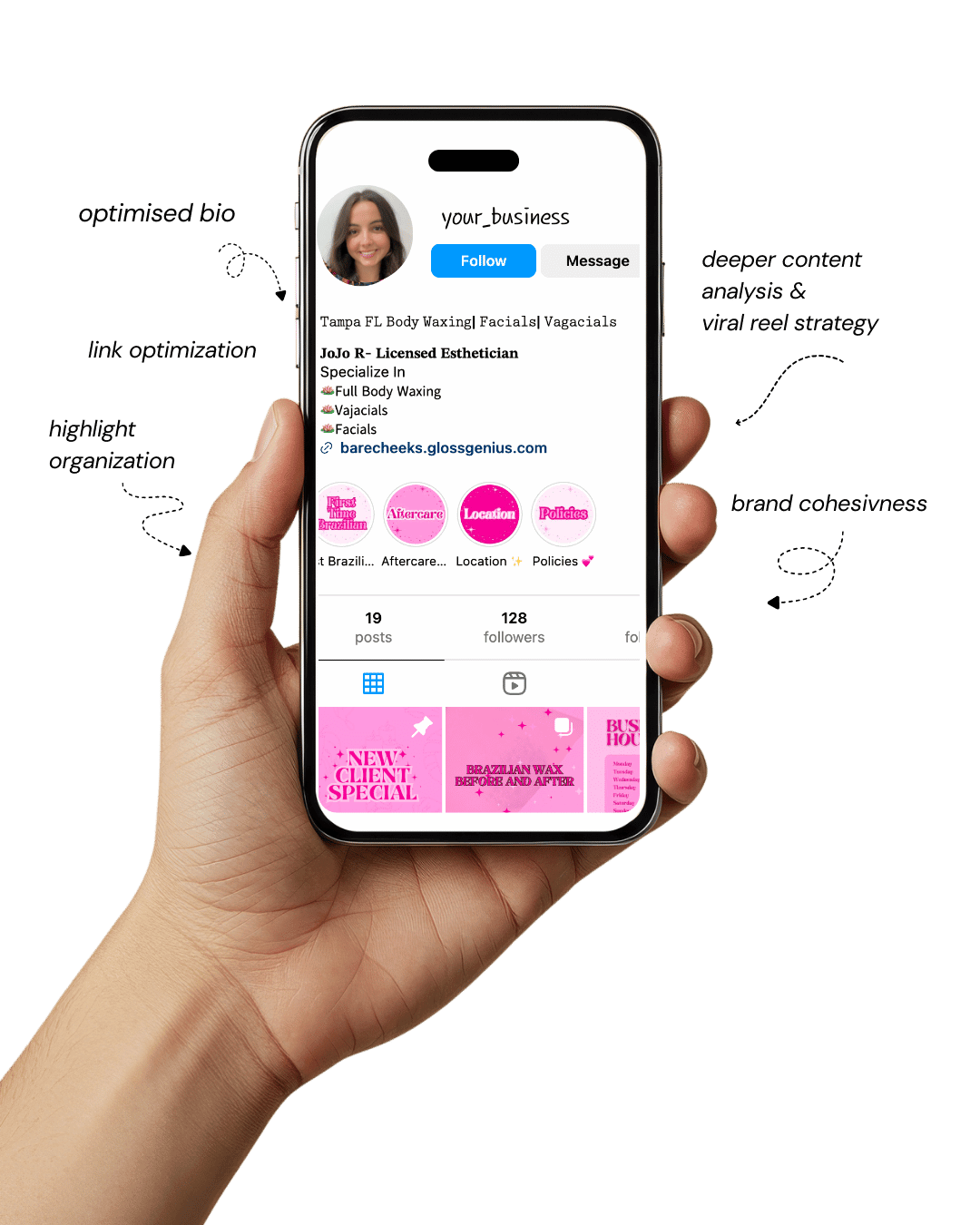
Your Instagram isn’t the problem.
The strategy is.
Get a free, honest audit of your Instagram profile — tailored for beauty, wellness & creative brands.
You’ll receive: profile fixes · content gaps · bio upgrades · content ideas.
I personally review your profile and send a clear, actionable breakdown — no AI, no templates.
Canva design has become a game-changer for beauty and wellness brands that want to look polished and high-end without paying thousands for custom graphic design.
In today’s digital world, your visuals are your first impression — often before people read your caption or visit your website.
That’s exactly why beauty brands, spas, salons, coaches, and wellness influencers are adopting Canva design templates to create scroll-stopping content for Instagram, Pinterest, and even email marketing.
The beauty and wellness industry thrives on aesthetics. Whether you’re promoting a new facial service, launching an organic skincare line, or building your personal coaching brand, visuals matter.
Consumers associate clean, elegant graphics with trust and credibility. And thanks to Canva design, you don’t need Photoshop or advanced design knowledge to create premium, branded content in minutes.
With editable Canva templates, you can easily adjust colors, fonts, and images to match your brand identity—no design background required.
You can also resize any template into Instagram posts, Pinterest pins, banners, or Reels covers. This flexibility lets you maintain consistent branding across every platform.
If you’ve ever struggled with posting consistently because creating graphics takes too long, Canva design templates are about to become your best friend.
Let’s explore some template types you can use today to elevate your brand.
Why Beautiful Visuals Matter in Beauty & Wellness
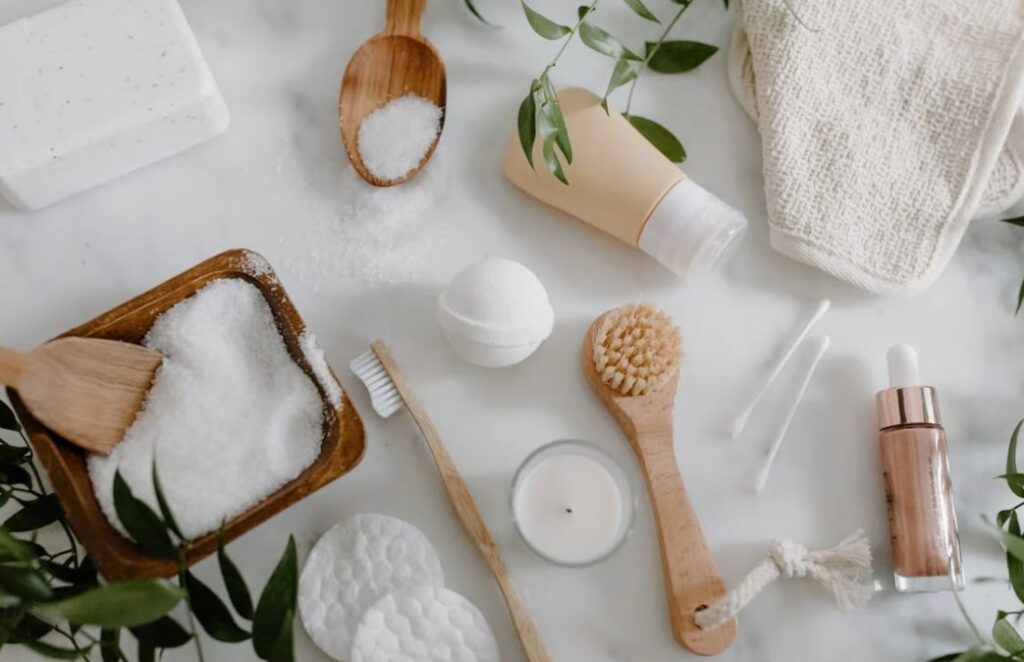
Most customers will judge a beauty or wellness brand within 0.5 seconds — and that judgment is based on visuals.
Canva design helps brands create high-quality graphics fast, so they can spend more time connecting with clients and less time designing.
Here are three reasons professionally designed graphics make such a difference:
1. Visual branding builds trust
When your feed looks consistent, people associate your business with quality. Good Canva design templates ensure your fonts, colors, and layout reinforce your brand message.
2. Aesthetic content performs better on social media
Instagram and Pinterest prioritize strong imagery. Templates help you post attractive, consistent content without scrambling for ideas.
3. Time savings equal business growth
Instead of spending hours designing from scratch, you can open a template, tweak the text, add your product photo, and post. Efficient Canva design workflow = more content, less burnout.
Technical details many miss:
- Stick to two fonts max to look premium.
- Use your brand HEX codes (Canva Brand Kit > Colors).
- Export for Instagram using 1080 × 1350 px (portrait performs best).
- Save posts as PNG for crisp text, JPEG for photos.
- Now, let’s get into the list of the best templates
1. Soft Minimal Instagram Quotes
Soft minimalist quote templates are one of the most effective ways to build relatability and emotional resonance in a beauty or wellness feed.
Using Canva design for these templates allows you to effortlessly customize background textures, typography combinations, and spacing so the design feels airy and calm — which aligns perfectly with wellness aesthetics.
Choosing neutral palettes (like cream, blush, sage) can instantly elevate your brand.
The power of these quote templates lies in their simplicity: they get saved, shared, and reposted widely, helping your content reach new audiences without paid advertising.
Use elegant serif fonts for the quote and pair them with a small sans-serif caption to maintain readability and modernity.
2. Before & After Showcase Templates
These templates highlight transformation — a powerful trust-building tool for beauty and wellness businesses. With Canva design, you can crop and align client photos perfectly using the built-in frame grids.
The goal is to guide the viewer’s eye directly to the results without clutter. You can add subtle accents like a soft drop-shadow on the photos to create depth.
Be mindful of maintaining consistent lighting tone between the before and after images, which you can adjust inside Canva using the Brightness/Contrast/HSL sliders.
A small area for a client testimonial under the image can strengthen credibility even further.
3. Product Spotlight Layouts
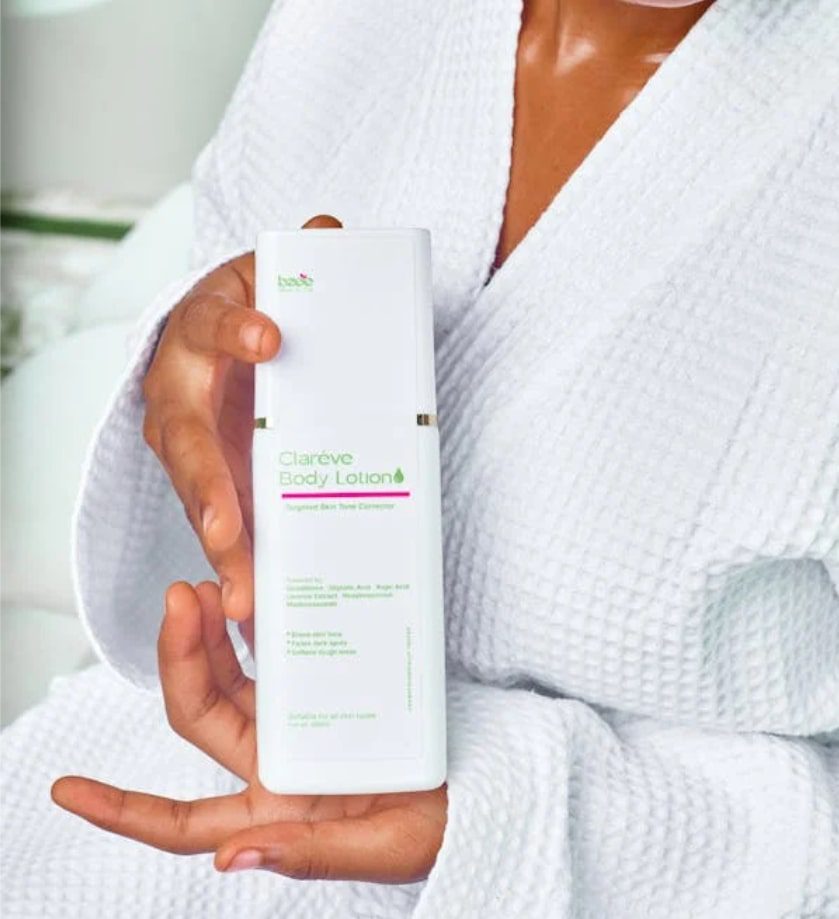
Product spotlight graphics make individual items look premium and desirable. Canva design includes mockup frames (bottles, tubes, jars) so you can drag-and-drop your label designs right into place.
To enhance perceived luxury, use consistent shadow direction and leave generous margins around your product.
This negative space creates a high-end editorial feel. You can also overlay short benefit phrases near the product — such as “hydrating,” “organic,” or “sulfate free” — to quickly communicate features without overwhelming the viewer.
4. Pricing Menu / Service List Templates
Professional pricing menus are essential for spas, brow studios, lash bars, and salons. With Canva design, you can use column alignment tools to ensure perfect spacing between your services and prices.
Clear hierarchy makes a huge difference: the service name should stand out, while the description stays subtle and secondary.
To keep it clean, use consistent spacing and minimal decorative elements. Once finalized, duplicate the layout to create variations optimized for Instagram stories, print displays, and website upload.
5. Skincare Routine Carousel Templates
Skincare routine carousels are highly engaging because they encourage swiping. Using Canva design carousels allows you to break down tutorials such as “Morning Routine” or “How to Layer Serums” into simple steps.
Each slide should follow a visual rhythm: headline, product image, short benefit. Keep text short and visual hierarchy clear.
Use subtle movement by making one slide bold and the next soft to keep the viewer engaged until the final CTA slide.
6. Educational Infographics (Skin Tips, Wellness Facts)
Infographics help you become the go-to expert in your niche. In Canva design, you can use icons, arrows, diagrams, and small graphics to illustrate data.
Aim for one strong point per canvas to avoid overwhelming your audience.
Educational posts not only build trust, but they are also highly shareable, especially when the design is visually clean. Remember to keep color usage consistent — too many colors dilute brand identity.
7. Pinterest Pin Templates (Long Vertical Pins)
Pinterest favors tall pins, making Canva design the perfect tool to create long, visually compelling pin graphics for blog posts, product pages, or tutorials.
The key is using attention-grabbing text overlay. Your headline should be highly readable even on a small screen, and having a thin frame border helps pins stand out in the feed.
Canva design also allows you to save different versions of the same design for A/B testing to see which format brings more clicks.
8. Brand Mood Boards
Mood boards express your brand visually: inspiration images, color swatches, textures, and typography.
By arranging these elements in Canva design, you create a visual guideline for every decision you make — including packaging, website design, and social media imagery.
A well-crafted mood board becomes your visual compass; anytime you’re unsure if a post matches your brand, refer back to it. Consistency builds recognition and trust.
9. Testimonials & Reviews
Clients need proof before booking or buying, and testimonial graphics provide that reassurance.
In Canva design, frame short review sentences inside minimalist blocks or soft shapes that match your palette. Using quotation marks and subtle brand icons gives them structure without clutter.
A small headshot of the reviewer adds legitimacy, and if applicable, include the service they purchased (“Brow Lamination – Emma G.”).
10. Reels / TikTok Cover Templates
Reels get more reach, but covers keep your feed aesthetic. Using Canva design, build a cover system with consistent typography placement, brand colors, and a short headline to describe the video.
A clean style ensures your Reels grid looks intentional instead of chaotic.
Keep headlines short — ideally 2–5 words — and avoid tiny text that becomes unreadable on small screens.
11. Event or Sale Announcements
These templates help promote flash sales, seasonal offers, self-care packages, or launch events. With Canva design, you can use bold type paired with contrast color accents to create urgency.
A simple layout works best: headline, sub-headline, call-to-action. Don’t overcrowd the design with details; keep specifics for your caption or landing page.
12. Lead Magnet / Freebie Covers
Freebie covers act like mini billboards for your downloadable offers. In Canva design, create an eBook or checklist cover using a bold headline, clear subtitle, and supportive imagery.
People judge freebies by their covers, so a professional design increases perceived value and download rate. Use a mockup — like a book or tablet — to make it look tangible.
13. Highlight Covers for Instagram
Highlight covers make your profile look polished and intentional. With Canva design, create icon-based covers using your brand colors and one simple line icon per highlight.
Avoid overly detailed icons; clarity reads better at small sizes.
These covers also create immediate structure: booking info, pricing, results, FAQs, testimonials.
14. Beauty Promo Flyers
Whether printed or distributed digitally, promo flyers help your offers reach more customers. Canva design makes formatting fast — add images, include pricing tiers, and position a booking link or QR code.
If printing, make sure Print Bleed and CMYK mode are enabled. A simple background with strong visual focus on one model image keeps the flyer high-end.
15. Wellness Coaching Templates
Wellness coaching templates organize your expertise visually. In Canva design, use layouts with section headers like “Problem,” “Insight,” and “Solution.”
These templates are ideal for explaining routines, client homework, or mindset reframes. Pair soft visuals with concise messaging to keep your graphics actionable and easy to understand.
16. Weekly Planner or Habit Tracker
Planners and trackers help your audience stay consistent with self-care or wellness goals. Inside Canva design, use the table feature to create neat layout columns.
Offer space for daily check-ins, priorities, and reflections. These designs are great for list-building or selling on Etsy as digital downloads.
17. Blog or Website Graphic Templates
Blog banners and post covers keep your brand looking consistent across all platforms. In Canva design, build a reusable header template that includes your logo and fonts.
Export JPEG for faster loading on websites and PNG for in-content graphics. Templates help you publish faster without redesigning each visual.
18. Gift Card / Voucher Templates
Gift cards are a revenue booster during holidays and special promotions. Using Canva design, customize editable fields so clients can add names and personal messages.
Add a QR code linking to your booking page for convenience. Export in PDF Print for best quality.
19. Digital Price Guide / Welcome Packet
Welcome packets reduce repetitive questions and streamline client onboarding. Canva design supports multi-page documents so you can include services, pricing, policies, preparation instructions, and FAQs.
Use clickable buttons that link directly to booking pages. This turns inquiries into confirmed appointments.
20. Email Header Templates
An email header sets your brand tone before the reader even starts scrolling. In Canva design, create a banner with your brand colors, minimalist typography, and optional tagline.
Use a width of 600–700px for best compatibility across email providers. Save repeated versions so your newsletters stay cohesive.
Other Things You Can Do to Improve Visual Results
Beyond using Canva design templates, refine your visual strategy using these steps:
Use Brand Kits
Upload your logos, HEX colors, and fonts into Canva’s Brand Kit. This keeps every Canva design consistent across platforms.
Optimize Image Quality
Use PNG for text graphics and JPG for photo-heavy layouts. Canva’s “Smart Resize” saves hours of reformatting.
Use Content Batching
Instead of designing daily, create a week’s worth of Canva design posts in one sitting. This keeps your feed active and aesthetic.
Final Words
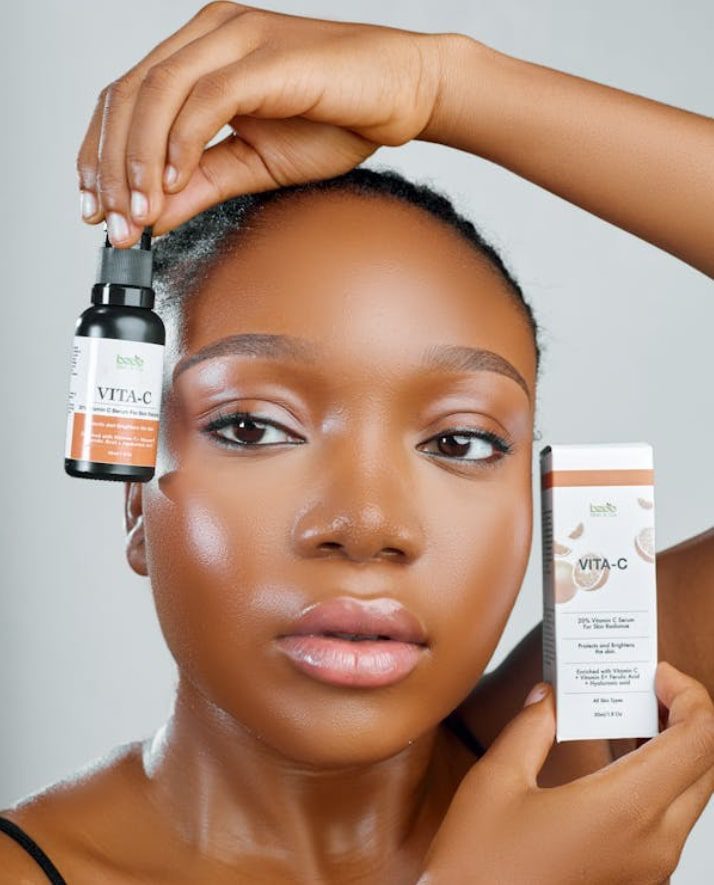
Your brand deserves visuals that reflect the care you put into your business. Thanks to Canva design, you no longer need to outsource, wait weeks, or spend thousands to create premium content.
Whether you’re managing a spa, selling skincare, or coaching clients, high-quality visual branding builds trust, drives engagement, and increases sales.
Start with templates. Customize them. Build consistency. And You will be will notice.